UX/UI Design
2021-04-20
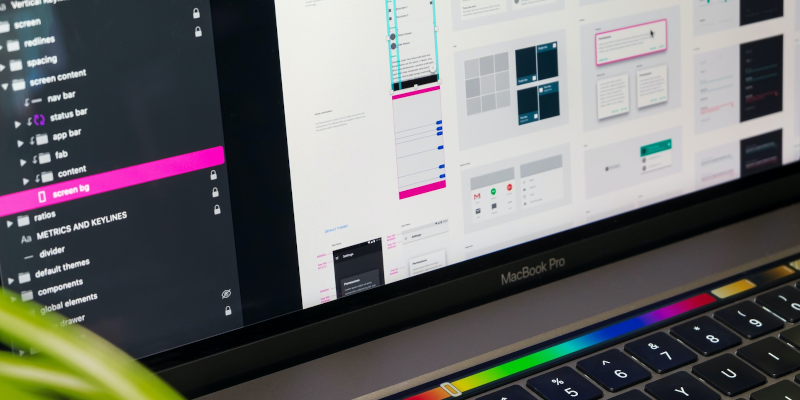
After many years working as a UI Developer, I began to feel burned out by the heavy rules, long meetings, and slow pace of corporate web development. I enjoyed building things, but the bureaucracy made the work feel frustrating and limiting.
To fix this, I made a clear plan. In 2018, I spent most of my free time improving my UX/UI design skills. I read books, watched video courses, and studied design fundamentals. My goal was simple: move from UI Development into a UX/UI Design role where I could focus more on problem-solving and user experience.
In January 2021, I reached that goal. I transitioned into a full-time UX/UI Designer role, and I’ve been much happier ever since.
You might be wondering: What exactly is UX/UI Design?
Let’s start by clearing up what it is not.
What UX/UI Design Is NOT
UX/UI Design is often confused with many other roles. It is not:
- Front-End or UI Development (HTML, CSS, JavaScript)
- Social media or email marketing
- KPI tracking or business analytics
- Technical writing or copywriting
- Google Analytics or SEO
While designers may work closely with people in these roles, UX/UI Design focuses on something different.
What UX/UI Design Really Is
UX/UI Design includes two closely related disciplines that work together to shape digital products like websites and mobile apps.
UX Design (User Experience)
UX stands for User Experience. A UX Designer studies how people use a product and plans how it should work. This includes research, structure, and flow. The goal is to make the product easy, clear, and enjoyable to use.
UI Design (User Interface)
UI stands for User Interface. A UI Designer focuses on how the product looks. This includes layout, colors, typography, buttons, and visual consistency. UI design turns ideas and plans into clear, friendly screens users can interact with.
Together, UX and UI design help turn complex ideas into simple, usable digital experiences.
Tools I Use
My main design tool is Figma. It is a web-based design application, similar to Adobe XD, Photoshop, and Illustrator, it works on Mac, Windows, and Linux.
Figma allows me to:
- Create wireframes and mockups
- Design full user interfaces
- Build interactive prototypes for web and mobile apps
These designs act as blueprints for front-end developers, helping them build the final product accurately and efficiently.
How I Learned UX/UI Design
I built my education around a college-style curriculum I found online. I studied topics similar to those taught by well-known schools, such as:
- New York Institute of Art + Design
- DePaul University
- UC Berkeley Extension
This helped me stay focused on real-world skills instead of trends or shortcuts.
Design Fundamentals I Studied
A strong foundation matters. I spent time learning core graphic design principles, including:
- Line, shape, and space
- Color theory and contrast
- Typography and hierarchy
- Alignment, balance, and proximity
- Repetition and consistency
These basics show up in every good design, no matter the tool or trend.
UX/UI Core Skills
I also focused on UX/UI-specific skills, such as:
- User research and usability
- Personas and journey maps
- User flows and wireframes
- Accessibility and mobile-first design
- Responsive layouts and prototypes
These skills help ensure designs work for real people in real situations.
Software and Tools
Over time, I’ve worked with many design tools, including:
- Figma
- Adobe Creative Cloud
- Balsamiq
- GIMP and Inkscape
- Penpot
Each tool has strengths, but the thinking behind the design matters more than the software.
Learning Resources
I learned through a mix of books and video courses. Some focused on design basics, others on UX thinking, and others on real-world advice designers don’t always learn in school. This mix helped me grow both creatively and professionally.
Final Thoughts
UX/UI Design is about people, not pixels. It’s about understanding users, solving problems, and creating clear, friendly experiences. The tools and processes matter, but mindset and curiosity matter more.
Switching from UI Development to UX/UI Design was one of the best career decisions I’ve made. If you enjoy problem-solving, learning, and improving how people use technology, UX/UI Design is a rewarding path worth exploring.